 mcpeskin
4D & 5D skins for Minecraft PE
A 4D skin is a real custom 3D model - extra parts, wings, tails, held items - and a 5D skin goes further with smooth sculpted meshes. Vanilla skins cannot do this: each one below installs as its own tiny .mcpack and shows up in your dressing room. Tap one for the download.
25 skins
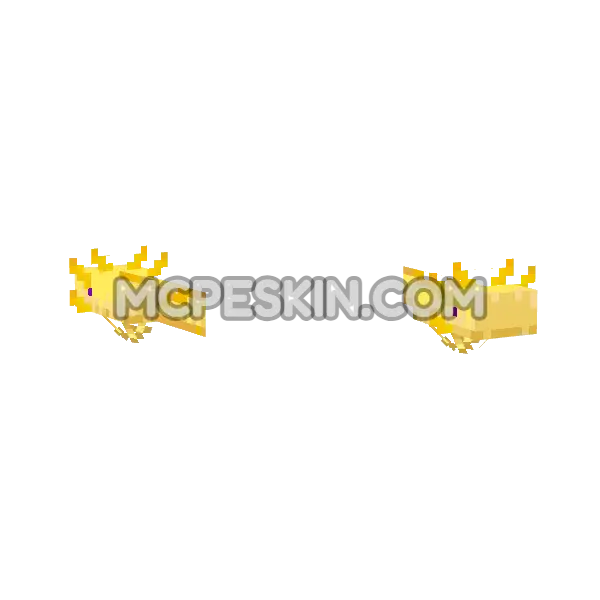 Axolotl Gold
4D
Axolotl Gold
4D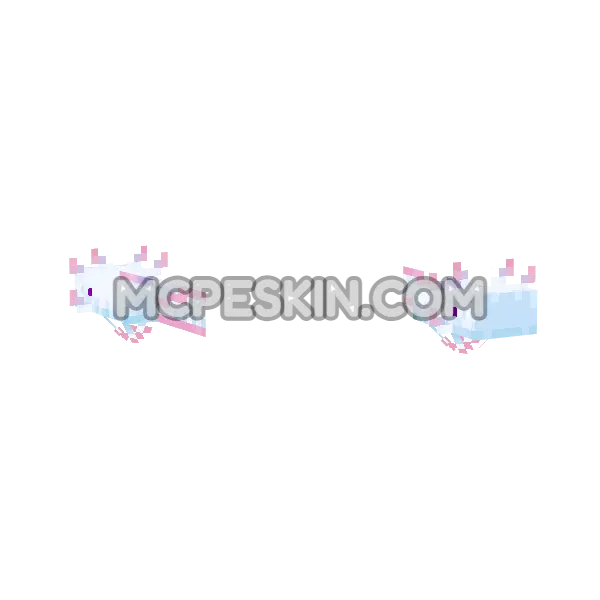 Axolotl Cyan
4D
Axolotl Cyan
4D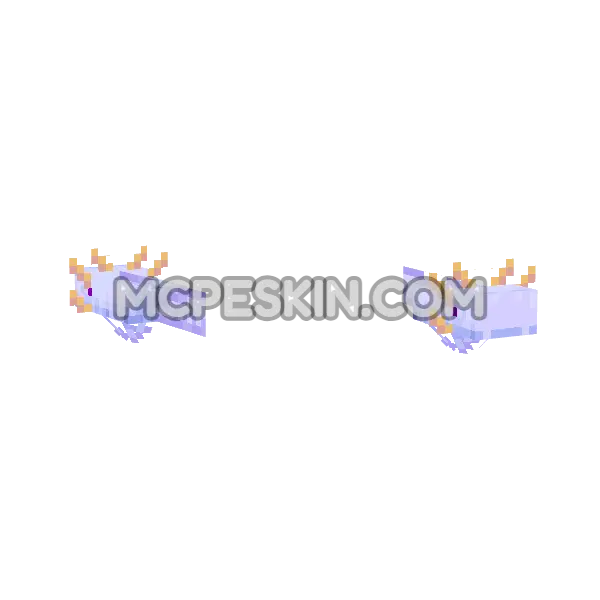 Axolotl Blue
4D
Axolotl Blue
4D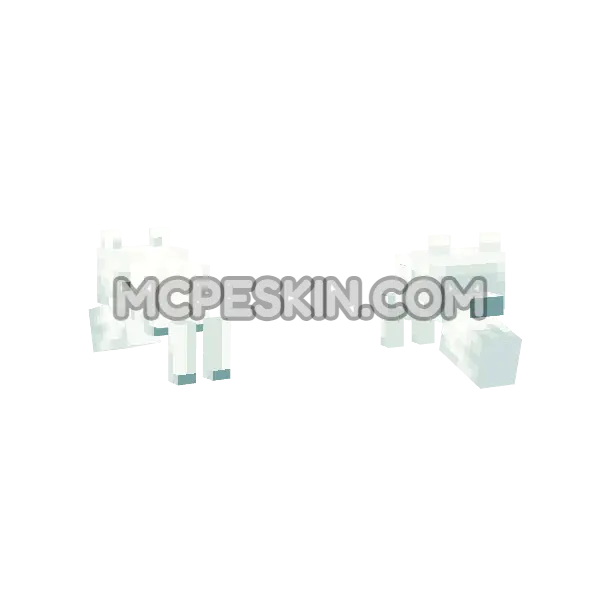 Snow Fox
4D
Snow Fox
4D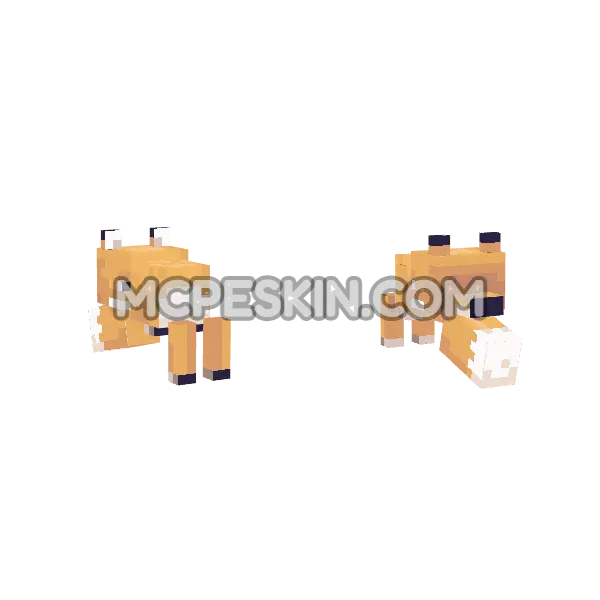 Fox
4D
Fox
4D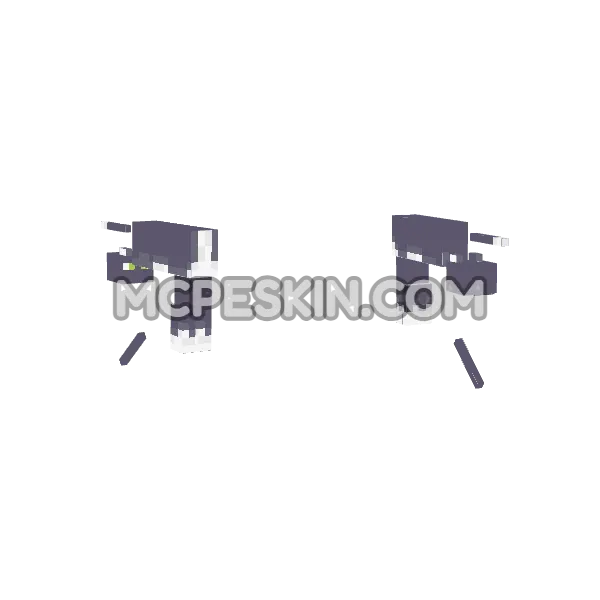 Cat
4D
Cat
4D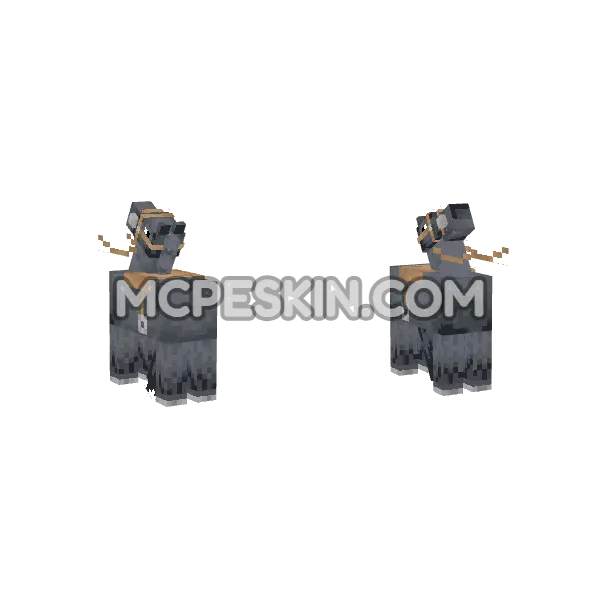 Horse
4D
Horse
4D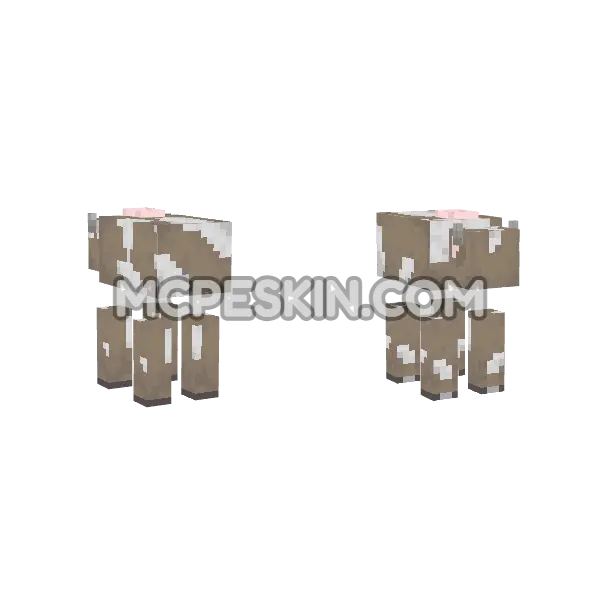 Cow
4D
Cow
4D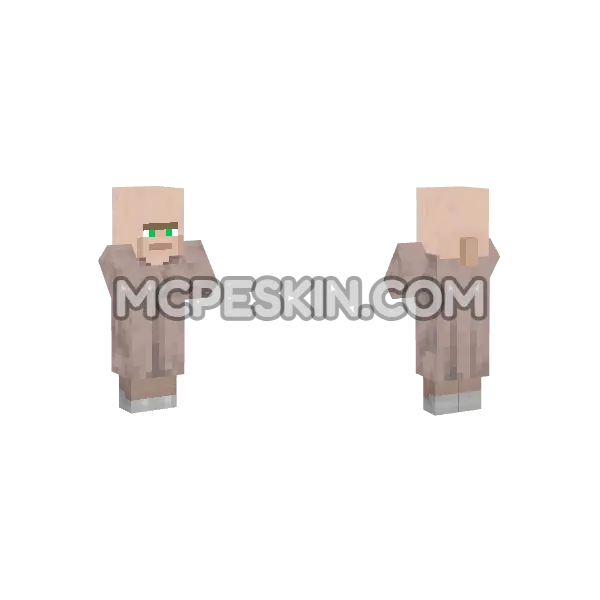 Villager
4D
Villager
4D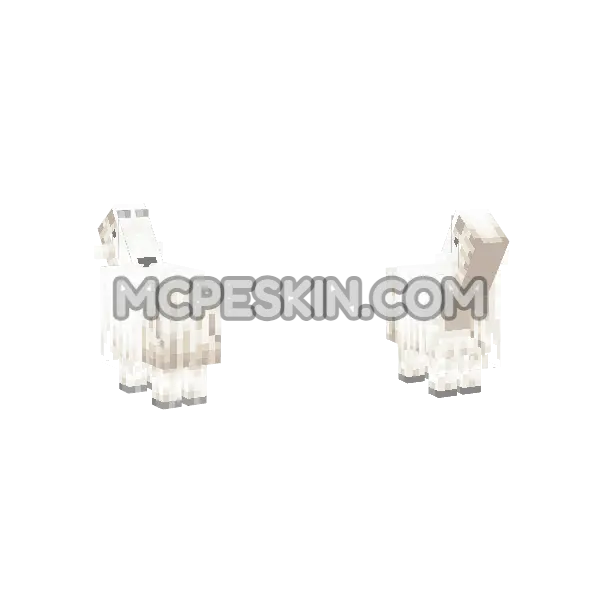 MC Goat
4D
MC Goat
4D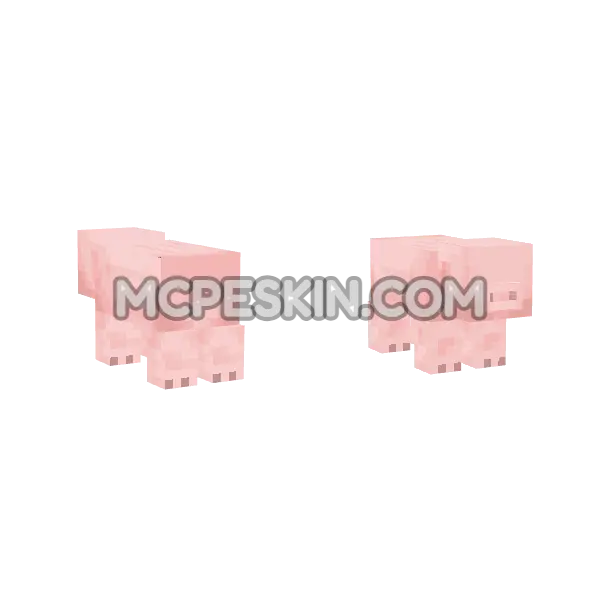 Pig
4D
Pig
4D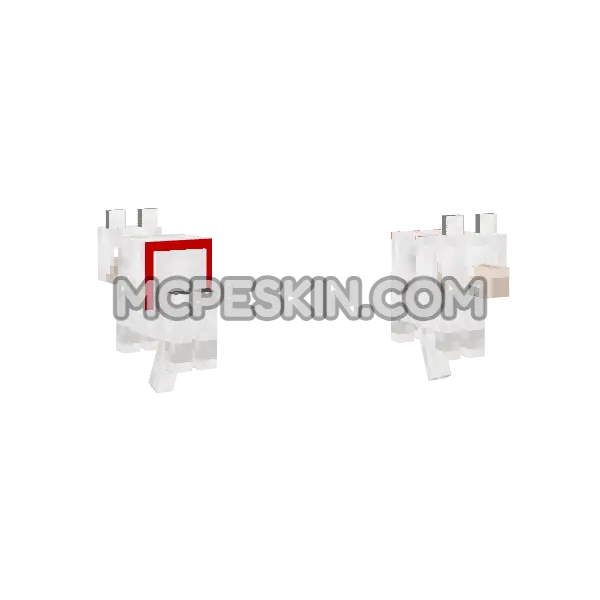 Tamed Wolf
4D · animated
Tamed Wolf
4D · animated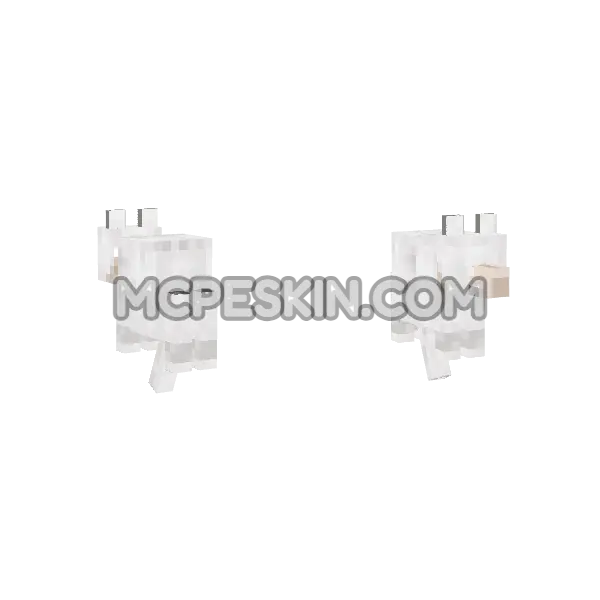 Wolf
4D · animated
Wolf
4D · animated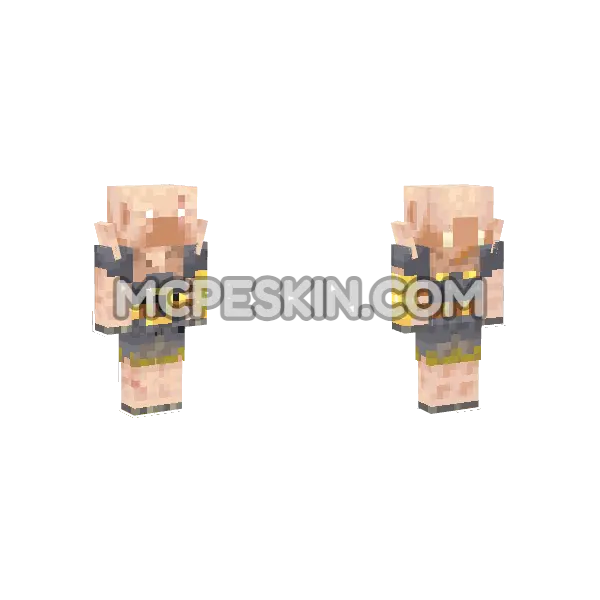 Piglin Brute
4D
Piglin Brute
4D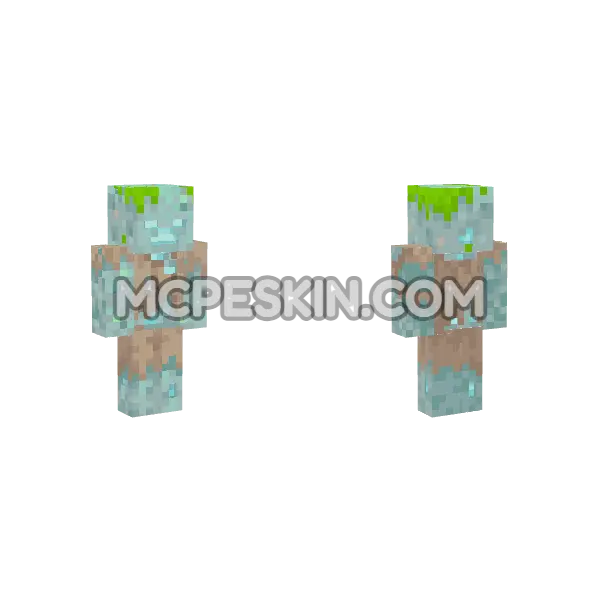 Drowned
4D · animated
Drowned
4D · animated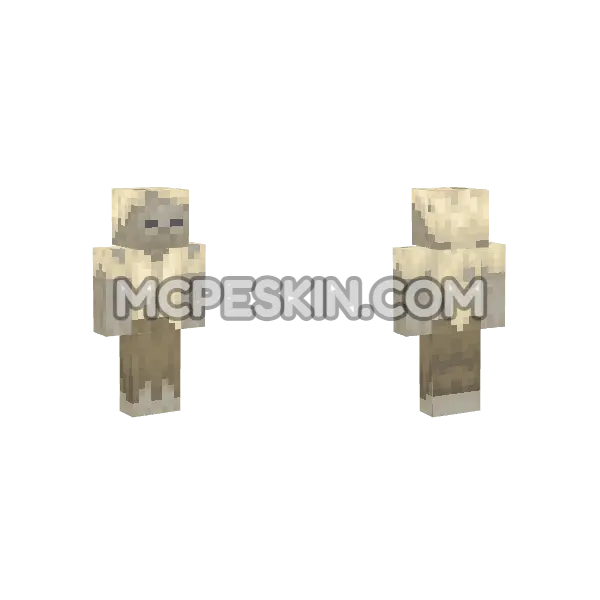 Husk
4D · animated
Husk
4D · animated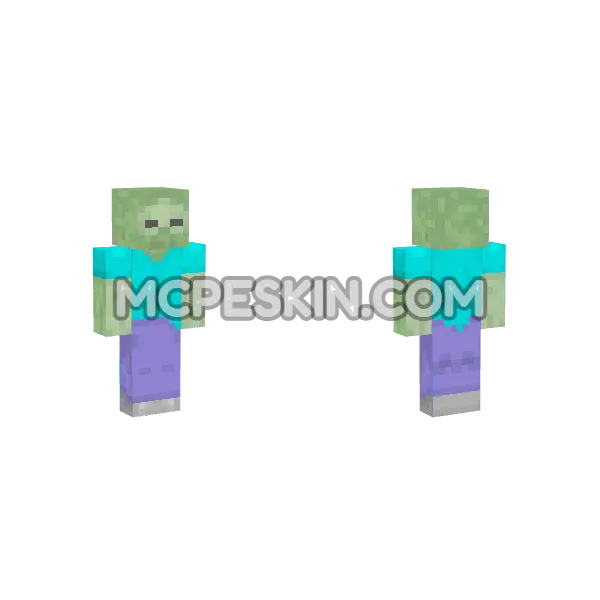 Zombie
4D · animated
Zombie
4D · animated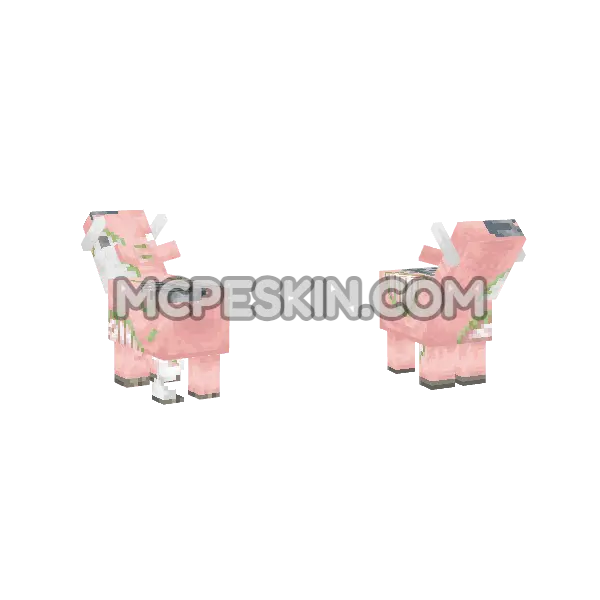 Zoglin
4D
Zoglin
4D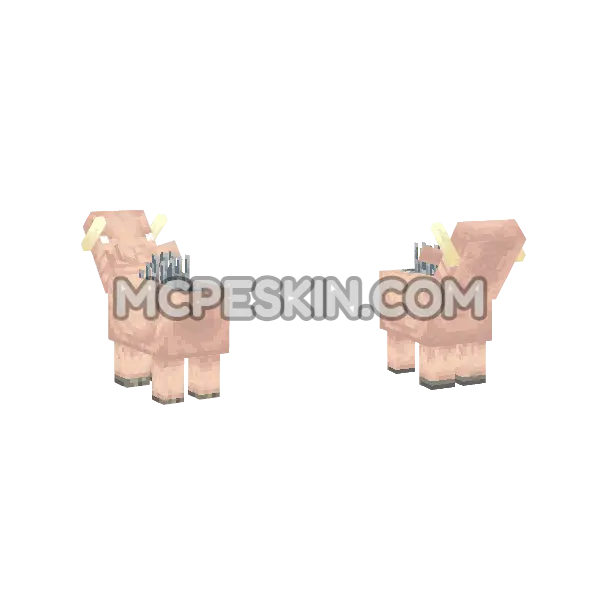 Hoglin
4D
Hoglin
4D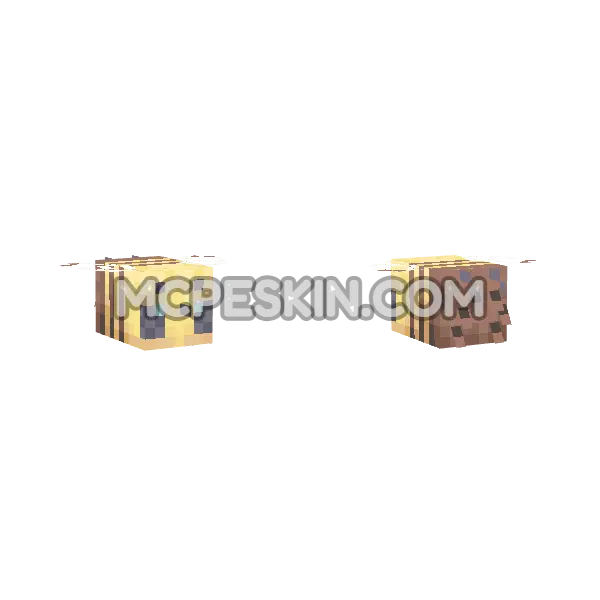 Bee
4D · animated
Bee
4D · animated Spider
4D · animated
Spider
4D · animated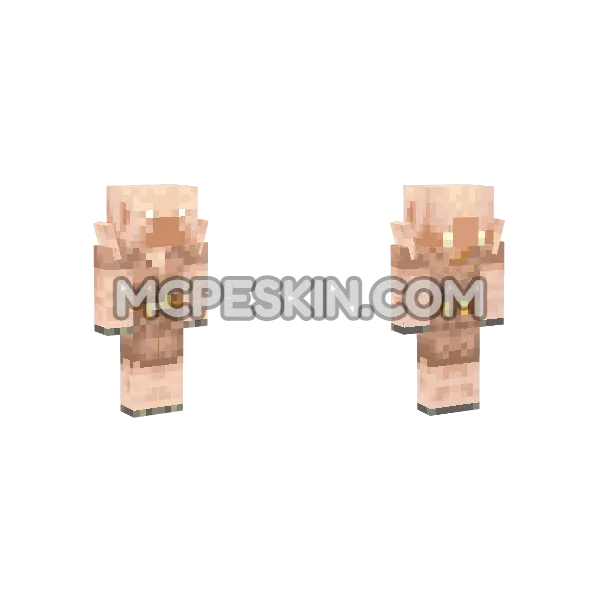 Piglin
4D
Piglin
4D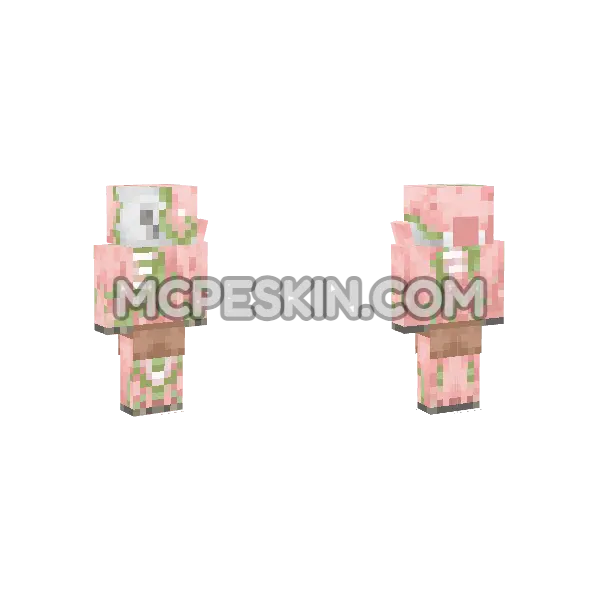 Zombie Piglin
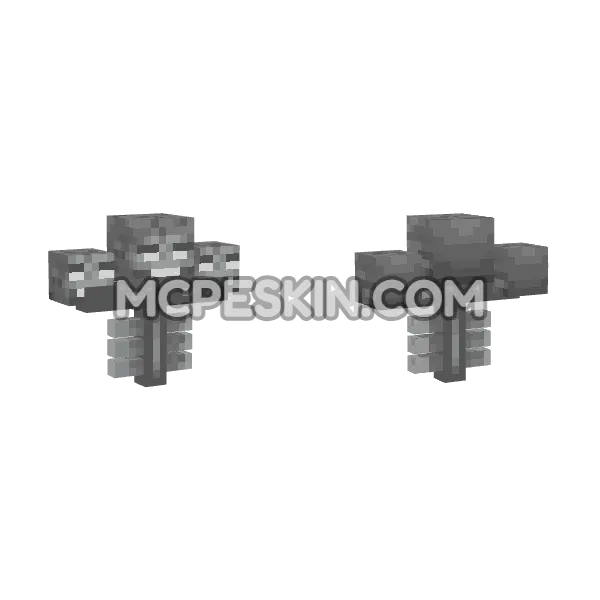 Wither Boss
4D · animated
Wither Boss
4D · animated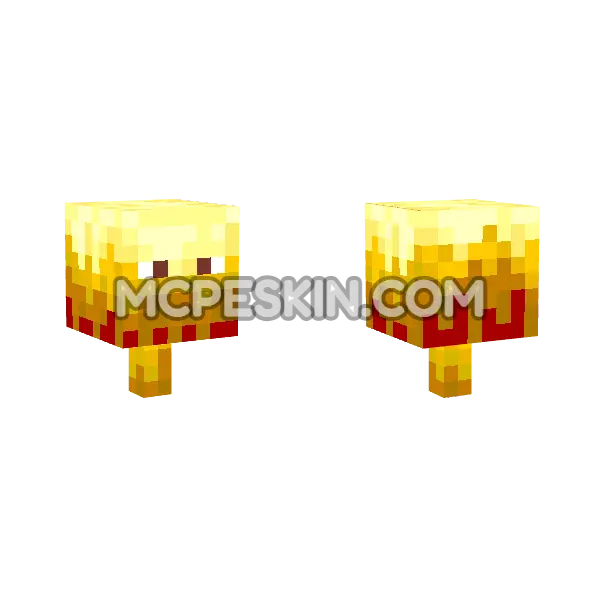 Blaze
4D · animated
Blaze
4D · animatedHow to install a 4D skin
- Tap Download .mcpack and keep the file.
- Open the downloaded file - Minecraft launches and imports the pack by itself.
- In Minecraft, open the Dressing Room (Edit Character).
- The pack is in your skin picker - tap any skin to wear it.