Bedrock skin tools
Both tools run right in your browser - no upload, no watermark, no sign-up.
Skin editorMake a Minecraft Bedrock skin from scratch, or drop in one you already own and reshape it. You get a brush, fill bucket, eraser and colour picker, mirrored strokes for symmetric limbs, a colour wheel and undo, with a live 3D model that repaints as you go. It all stays on your device - the skin loads in your browser and saves straight back out, ready for Bedrock and Pocket Edition.Try the skin editor →
Avatar makerTurn any Bedrock or Pocket Edition skin into an avatar. Choose a face, bust, full-body or 3D render; drop it on a transparent, solid or gradient background; round the crop if you like; and export anywhere from 64 up to 1024 pixels, with every flat crop kept crisp and pixel-perfect.Try the avatar maker →
Just added
See all →
See all skins →
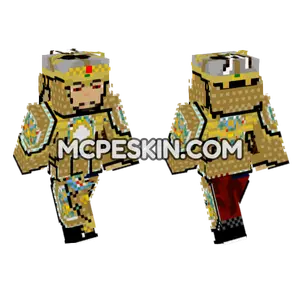 Late Qing Manchu Guard
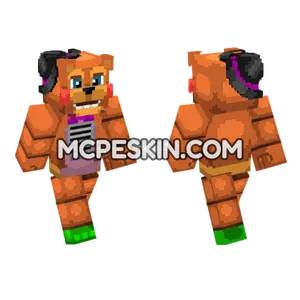 Freddy Fazbear Skin
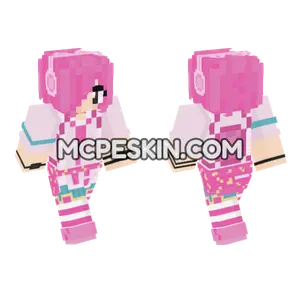 Pink Aesthetic Girl
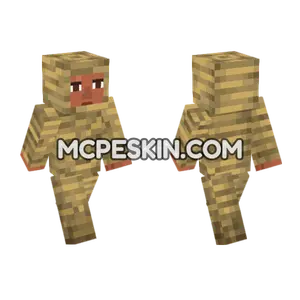 Mummified Noor
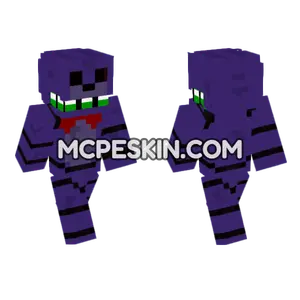 Sinister Bonnie
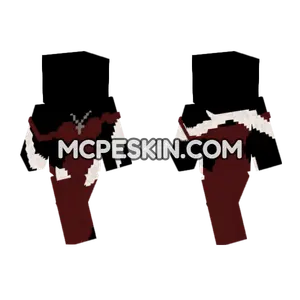 Dark Red Dress
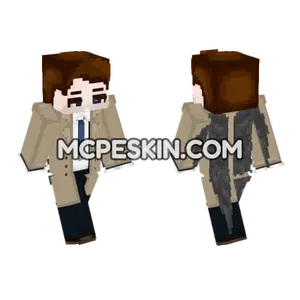 Castiel Supernatural Wings
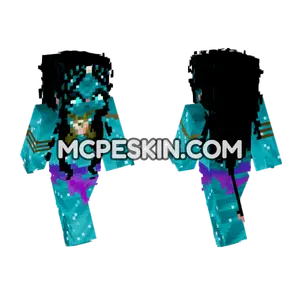 Tsireya Avatar
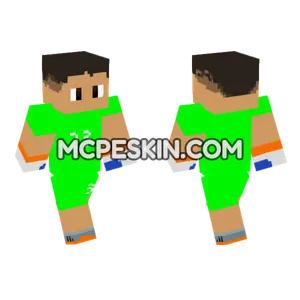 Emiliano Martinez Goalkeeper
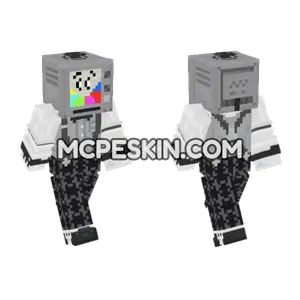 Retro TV Head
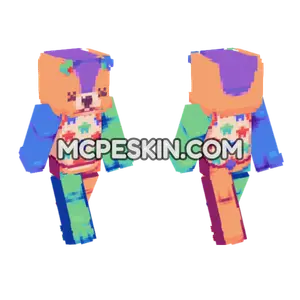 Starry Orange Jumper
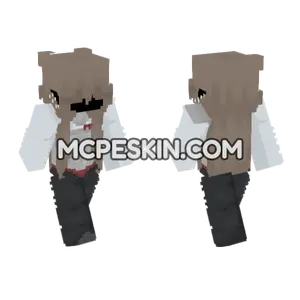 White Hooded Figure
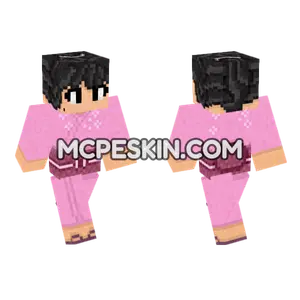 Ninjago Nya Prime Empire
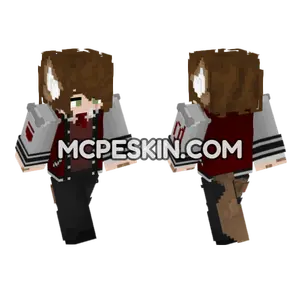 Dark Academia Student
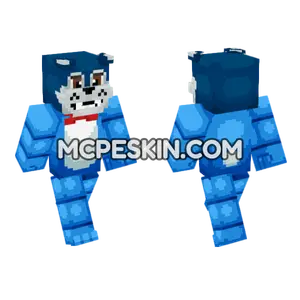 Blue Cat Outfit
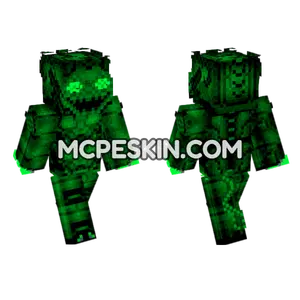 Deep Nightmare Green
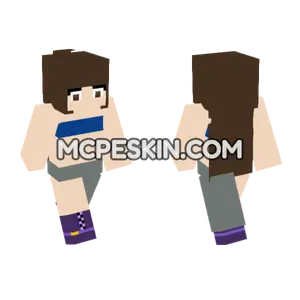 Purple Trimmed School Uniform
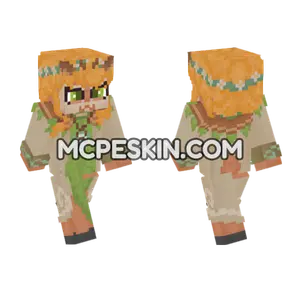 Orange Witch Hat
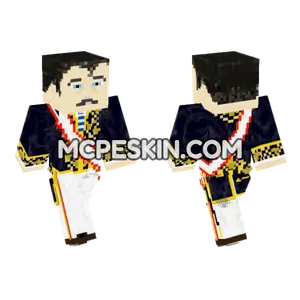 Meiji Court Official Sash
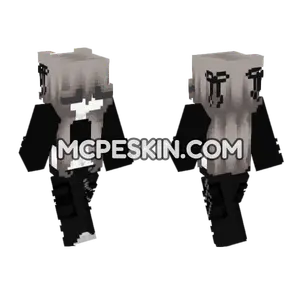 Monochrome Mage
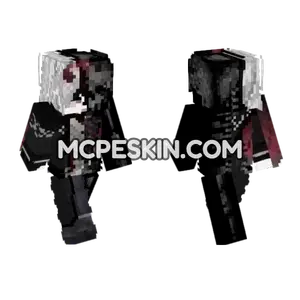 Matchy Halloween Outfit
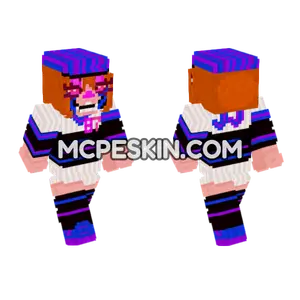 JJ Balloon Girl
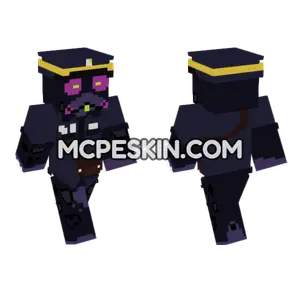 Dark Creature
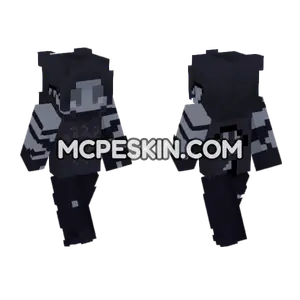 Dark Knight Armor
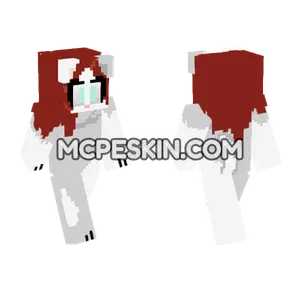 La Furra De Los V Deos Major
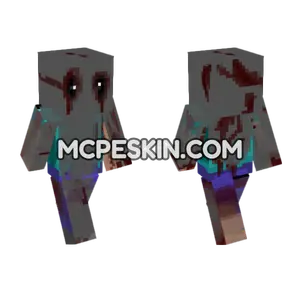 Bloody Zombie Figure
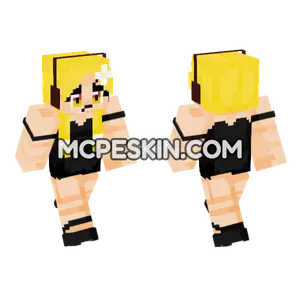 Blonde Anime Warrior
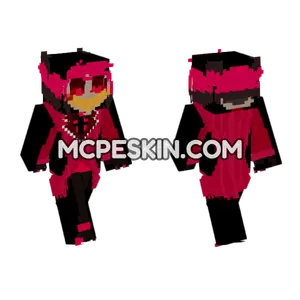 Alastor Hazbin Hotel
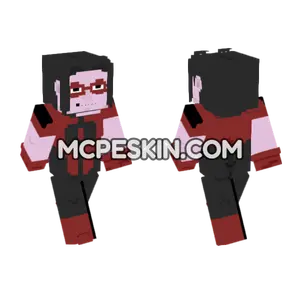 Dracula
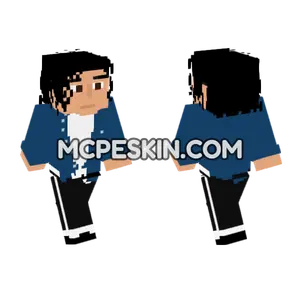 Michael Jackson The Way You Make Me Feel
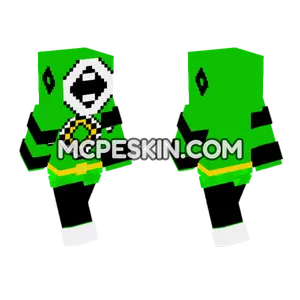 Green Ranger Rebecca HD
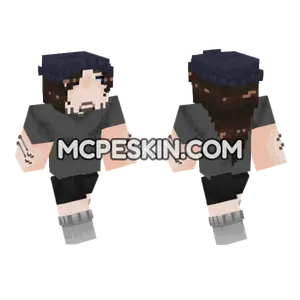 Dark Hoodie Character
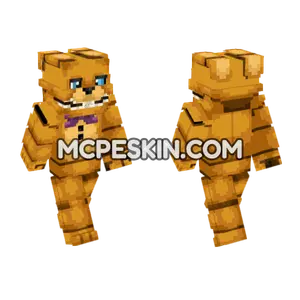 Spring Bonnie
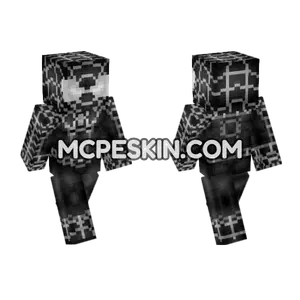 Symbiote Spider-Man
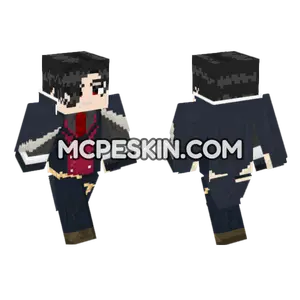 Obey Me Lucifer Remake
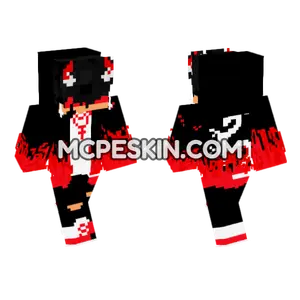 Red and Black Dragon Outfit